
Overview
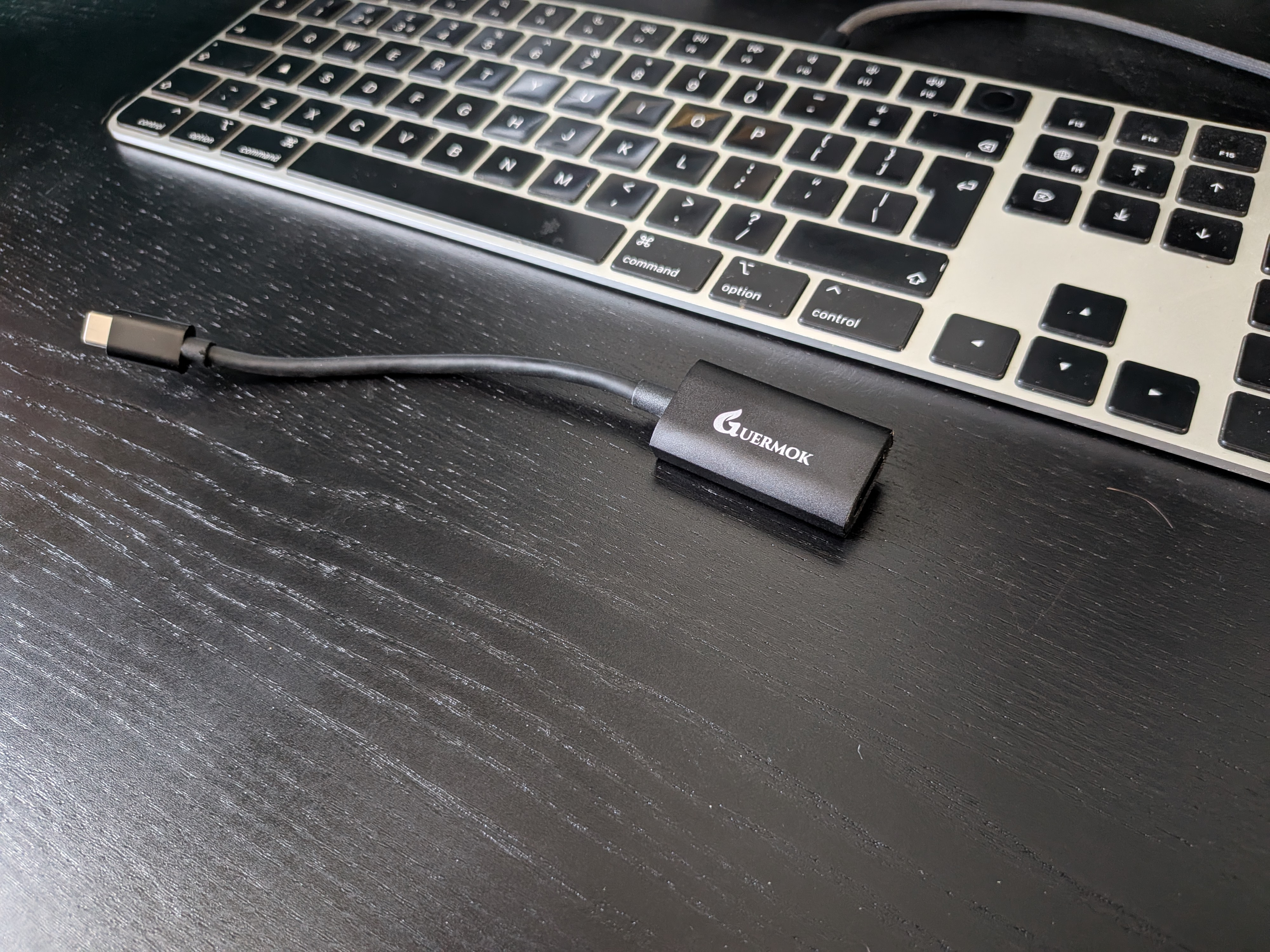
This Guermok Video Capture Card has been sitting in my desk setup for day-to-day use, mainly to turn my Sony ZV-E1 into a proper webcam for calls and meetings.
I’ve been using it in a normal home office workflow, not a controlled test environment, just real usage: plugging it in, starting calls, switching apps, and seeing if it behaves consistently without needing constant adjustment.
The simple takeaway is that it just works. It lets me use the camera as a webcam source at 1080p without enabling any special “webcam mode” on the camera itself. I turn on the camera, and it’s immediately available as an input with audio passthrough.
That alone makes it useful, but what really matters is that it’s stayed reliable over repeated use. No weird reconnect issues, no random dropouts, and no fiddling once it’s set up.
Who It Is For
This is a good fit if you want to upgrade your video calls without getting deep into streaming setups or complex software.
If you’re using a mirrorless camera like the Sony ZV-E1 and just want it to behave like a plug-and-play webcam, this fits that use case really well.
It also makes sense if you care about looking more professional on calls without building a full production setup. Pair it with decent lighting and you get a noticeable jump in quality with very little ongoing effort.
If you’re expecting a fully automatic “set and forget” experience in every scenario, you’ll still need to get your lighting and camera settings right. The capture card handles the signal, but it doesn’t fix a bad image coming in.
Design and Build
It’s a small, lightweight unit that disappears into your setup, which is exactly what you want here.
There’s nothing overcomplicated about the design. It’s just a simple bridge between camera and computer, and that’s what makes it easy to live with.
Cable management is straightforward, and because it’s compact, it doesn’t fight for space on the desk. Once it’s in place, you don’t really think about it again.
Setup Experience
The setup was very straightforward.
Plug the camera into the capture card, plug the capture card into the computer, select it as a video source, and you’re basically done.
On Mac, it worked without any extra drivers or complicated configuration. My Sony ZV-E1 shows up as a webcam source immediately, and audio passthrough is handled cleanly as well.
After the first setup, I’ve unplugged and reconnected it a few times, and it’s stayed consistent. That repeatability matters more than the initial setup time, and it performs well here.
Performance in Daily Use
This is where it earns its place on my desk.
I use it for meetings almost daily, and the biggest improvement is consistency. I don’t have to think about whether the camera will connect or whether I need to switch modes on the camera itself. It just appears as a usable webcam source when everything is powered on.
The jump in image quality compared to a built-in webcam is obvious, especially when paired with proper lighting. I’m using an Elgato Key Light, and together they make my setup look noticeably more professional in calls.
It’s also been stable under normal working conditions. Switching between apps, joining calls quickly, or leaving it idle between meetings hasn’t caused any issues.
In practical terms, it removes friction rather than adding complexity. Once it’s in place, it becomes part of the workflow instead of something you manage.
Pros and Cons
Pros
Compact and easy to integrate into a desk setup
Works with the Sony ZV-E1 as a plug-and-play webcam at 1080p
No need to enable special webcam modes on the camera
Clean audio passthrough support
Noticeable improvement in call quality with good lighting
Cons
Still requires good lighting and correct camera settings for best results
Verdict
This is an easy recommendation if your goal is to use a proper camera for meetings without turning your setup into a streaming rig.
It’s lightweight, reliable, and reduces much of the friction that typically comes with using mirrorless cameras as webcams.
With the Sony ZV-E1 and a decent key light, it’s made my calls look significantly more professional with almost no ongoing effort.